SkyReels AI Text & Image to Video Generator
Start with a prompt or a still image. Describe the subject and camera movement, choose the available settings, and review your video before sharing.


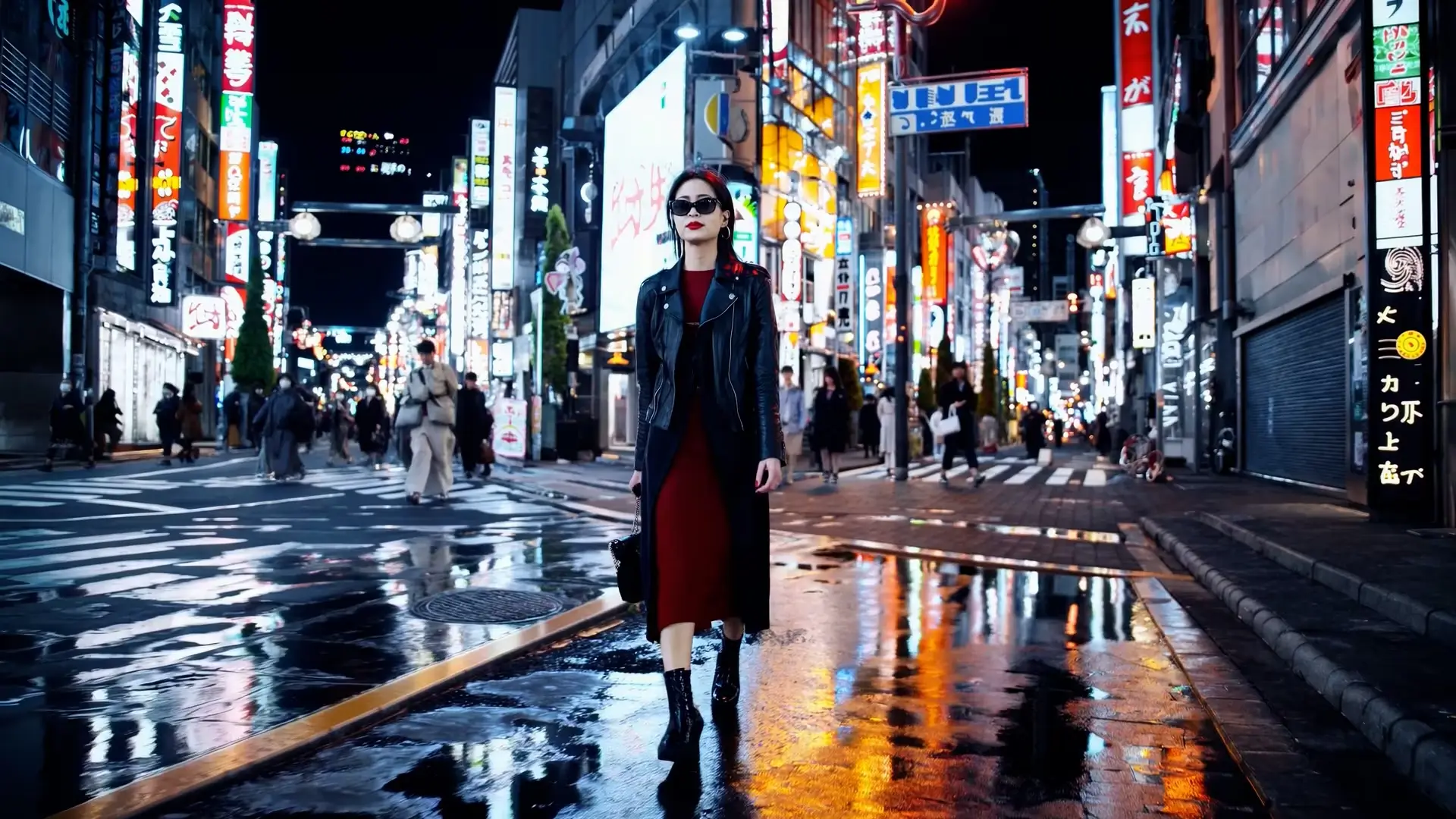

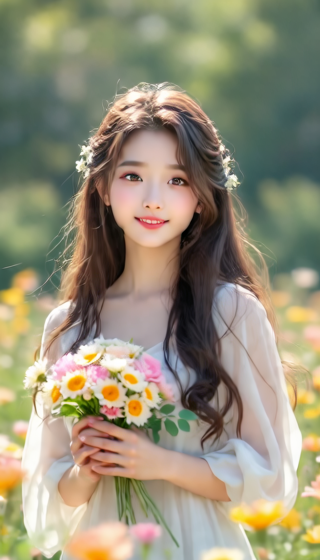

Guide the motion
Describe a subtle expression, subject movement, or camera direction. Review faces and small details; generated motion may change the source image.
Start with text or an image
Describe a scene from scratch or use an existing photo as a visual reference. Keep the prompt focused on one main action.
What Users Say About SkyReels AI
Join thousands transforming content with our AI video generator
Sarah K.
Social Media Manager
SkyReels AI helped increase engagement by 300%. Converting product images to videos made our ads stand out dramatically.
Mike T.
Photographer
I never knew transforming images into videos could be so effortless. SkyReels AI brought my portrait gallery to life in minutes.
Jessica L.
E-commerce Owner
SkyReels AI transformed our product pages. Sales jumped after we added AI-generated video explainers to our listings.
David R.
Content Creator
My SkyReels AI videos get far more shares because the motion looks natural and cinematic instead of robotic.
Emma S.
Digital Marketer
It finally feels like an AI video generator built for real campaigns. SkyReels AI gives us polished results without a steep learning curve.
Alex P.
Family Historian
I used SkyReels AI to animate an old family photo and the emotional impact was incredible. It felt respectful and surprisingly lifelike.
Toy Company CEO
We use SkyReels AI daily to turn product images into motion-first demos. It reveals details static photos never could.
Raj M.
Educator
Students pay much closer attention when diagrams move. SkyReels AI makes complex ideas easier to understand.
Sophie L.
Artist
I turned my paintings into animated pieces with SkyReels AI. The tool respects the original style while adding real energy.
Travel Blogger
My travel content performs far better when I turn still shots into motion. Followers feel pulled into the scene.
Real Estate Team
SkyReels AI helps us create lightweight virtual tours from listing photos. Properties feel more alive before we even schedule a showing.
SkyReels AI Generator FAQs
How do I create a video online?
Open text-to-video or image-to-video, enter a prompt or upload a supported image, choose a model, and check the settings and credit cost before generating.
Do I need to install software or own a powerful GPU?
No local model installation or dedicated GPU is needed to use this website. Generation runs through the online service in your browser.
Is video generation free or unlimited?
Trial availability and limits depend on the current account, model, and offer. Paid plans provide credits, not unlimited generation. Check the pricing page and the cost shown in the generator.
Which settings can I use, and how long does generation take?
Available duration, resolution, and other controls vary by model. Processing time also depends on the queue and provider status; a fixed completion time is not guaranteed.
Will the video preserve faces, products, and text exactly?
Not always. Faces, logos, lettering, and small details can change. Start with a clear image and restrained motion, then review the result before sharing or using it in an ad.
Can I use a generated video commercially?
Check your rights to the source material, the selected model or provider terms, and the site terms before commercial use. A paid plan does not clear third-party rights.
Start Creating Cinematic AI Videos Today
Use SkyReels AI to turn prompts and still images into polished video content for ads, storytelling, product launches, and social campaigns.